
Finding free WiFi anywhere in the world is possible through a combination of apps, mapping tools, and knowing which establishments reliably offer it. The most direct approach is using apps like WiFi Map or OpenSignal, which crowdsource thousands of hotspot locations and passwords globally, then supplementing those with intentional visits to public libraries, airports, hotels, and cafes where you can reasonably use their WiFi even if you’re not purchasing anything.
For travelers specifically, airport lounges and hotels often provide free WiFi as a baseline amenity, making these your most reliable fallback options in any major city. This article covers seven practical strategies for locating free WiFi when you need it, the tradeoffs between different methods, and why some common approaches work better than others. We’ll also discuss security considerations that matter whether you’re accessing email or financial accounts, and what limitations exist when traveling to less developed regions.
Table of Contents
- Which Apps and Maps Show Free WiFi Locations Most Reliably?
- Why Public Libraries and Government Buildings Offer the Most Dependable Free WiFi
- Airport and Hotel Free WiFi: When It’s Genuinely Available
- Coworking Spaces and Cafes: What Actually Works vs. What Doesn’t
- Security Warnings When Using Public WiFi Networks
- Cellular Hotspot Tethering as a Backup Strategy
- The Future of Free WiFi: Shrinking Access and Paid Models
- Conclusion
- Frequently Asked Questions
Which Apps and Maps Show Free WiFi Locations Most Reliably?
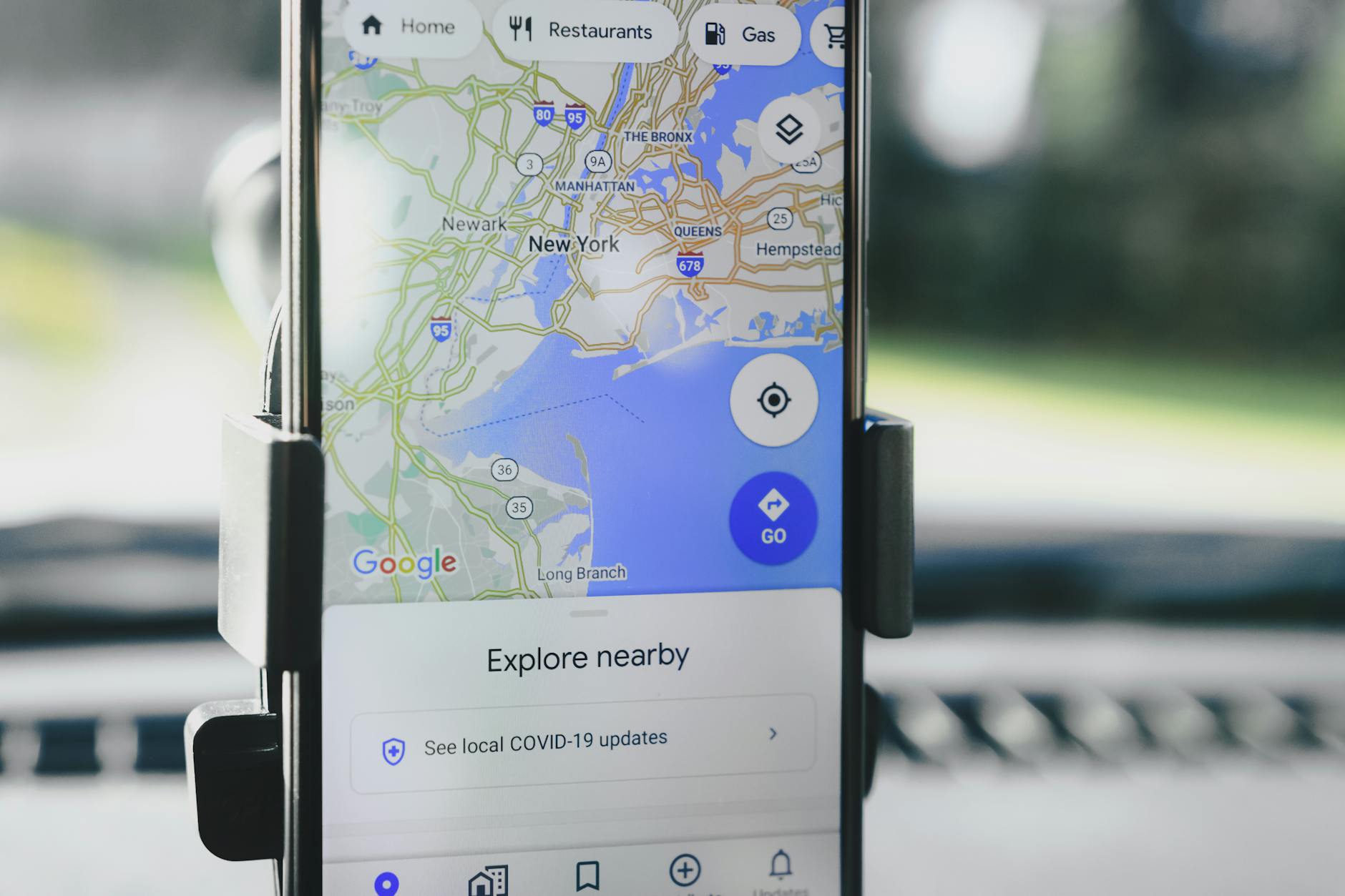
The most useful tools for finding free WiFi are purpose-built apps that rely on user contributions to maintain current information. WiFi Map (available on iOS and Android) has the largest database of free hotspots, with community-verified locations and password sharing features. OpenSignal is another solid option with similar functionality plus network speed testing. google Maps also displays WiFi availability at many businesses, though coverage varies by region—it works well in North America and Europe but is less reliable in developing countries where businesses may not have listed themselves.
The key limitation here is that app data is only as current as the last user update. A coffee shop might have discontinued free WiFi three months ago, but the app still shows it as available. This means these tools work best as a starting point rather than a guarantee. In dense urban areas like Manhattan or London, the density of hotspots is so high that you can usually find WiFi within a few hundred meters regardless. In rural areas or smaller cities, these apps may show very few options, making you reliant on other strategies.
Why Public Libraries and Government Buildings Offer the Most Dependable Free WiFi
Public libraries in developed countries almost universally offer free WiFi with minimal restrictions—no purchase required, no time limits, and usually no passwords. This is true across the United States, Canada, UK, Australia, and most of Western Europe. Government buildings and town halls often follow the same pattern. The reliability comes from the fact that these institutions are publicly funded with an explicit mission to provide public services, which makes them fundamentally different from commercial establishments that may change policies without notice.
However, if you need WiFi in a developing country, this advantage disappears. Many countries have limited public library systems or libraries with minimal internet infrastructure. Additionally, libraries have operating hours—they’re typically closed evenings and weekends in smaller towns—and may have bandwidth limitations during peak times. If you need to upload large files or participate in video calls, a library’s network might be congested with other users. Government buildings also sometimes restrict access to local residents or require registration with a local address, which travelers won’t have.
Airport and Hotel Free WiFi: When It’s Genuinely Available
Airports in most developed countries offer free WiFi as a standard service, with no need to book a flight or be a passenger. You can walk in and connect without authentication beyond accepting terms of service. Major airports in developed nations typically offer this for 1-2 hours continuously, with unlimited sessions per day or access becoming free if you sign up for their frequent flyer program. Hotels offer similar access to guests, though the quality varies—a luxury hotel provides fast, reliable WiFi, while a budget chain might have slow speeds or frequent disconnections.
The practical reality is that you don’t need to be a hotel guest to use some hotel lobbies. Many hotels don’t have aggressive WiFi access controls that prevent logins from people in the lobby rather than guest rooms. This is less reliable than claiming you’re a guest, but it works at hotels with open networks. Budget hotels and chain properties are more lenient than luxury establishments that actively monitor lobby access. The downside is that hotel WiFi sometimes comes with uncomfortable lobbies—not all properties welcome non-guests to camp in their seating areas.

Coworking Spaces and Cafes: What Actually Works vs. What Doesn’t
Popular cafes in city centers—especially chains like Starbucks, McDonald’s, or local equivalents—almost universally offer free WiFi, but often with a catch. Many require you to make a purchase first, be a customer, or stay within a specific time limit (typically 30 minutes to 2 hours). Some places verify your purchase before granting password access. The tradeoff is that cafes are designed for paying customers, so expecting several hours of WiFi while buying a single coffee is pushing the intended use.
However, in a genuine emergency, a quick purchase of the cheapest item on the menu gives you legitimate WiFi access. Coworking spaces rarely offer free WiFi to non-members. Day passes typically cost $15-50 and include WiFi along with desk space and amenities. This is more expensive than cafes but far more reliable, with better speeds and the ability to work all day without the pressure to keep buying items. The calculation depends on your needs—if you need WiFi for 4+ hours, a coworking day pass becomes economical compared to spending $20 on multiple cafe purchases.
Security Warnings When Using Public WiFi Networks
Free public WiFi presents legitimate security risks that investors and professionals should take seriously. Unencrypted networks allow anyone on the network to intercept unencrypted traffic, including passwords, emails, and financial information. Banks and financial platforms typically protect you with HTTPS encryption, but older websites, internal corporate networks, or unsecured applications do not. If you’re checking investment accounts on public WiFi, only do so on networks that encrypt your login session (evidenced by “https://” in the URL), and avoid administrative tasks like changing passwords.
A practical rule: avoid logging into financial accounts, email, or password managers on public WiFi unless absolutely necessary, and if you do, use a VPN service to encrypt all your traffic. VPN services cost $5-12 per month and mask your activity from network observers. However, using a VPN on free public WiFi adds a security layer but doesn’t eliminate the inherent risk of unencrypted networks. You’re trading one risk (network eavesdropping) for another (trusting a third-party VPN service with all your traffic). The safest option is to wait for private WiFi when dealing with sensitive financial information.

Cellular Hotspot Tethering as a Backup Strategy
If you have a cellular data plan with available data, creating a personal hotspot from your phone provides WiFi without relying on public networks. This is more expensive than free WiFi but eliminates security risks and gives you complete control over connectivity. The limitation is data consumption—streaming video or large file transfers can exhaust a monthly allowance quickly.
For occasional WiFi needs in cities, this is expensive; for frequent travelers in countries with expensive WiFi, it may be the most practical option. International travelers sometimes find that purchasing a local prepaid SIM card with a data plan is cheaper than paying for airport or hotel WiFi. A $10-20 prepaid plan in many countries provides several gigabytes, more than enough for email and web browsing over a week or two. This works especially well in developing countries where free public WiFi is scarce and paid WiFi costs approach local wages.
The Future of Free WiFi: Shrinking Access and Paid Models
The landscape of free public WiFi is slowly contracting in developed countries. Commercial establishments increasingly see paid WiFi as a potential revenue stream, and security concerns motivate businesses to restrict access. Simultaneously, cellular data has become cheaper in most developed countries, reducing reliance on public WiFi. In developed nations, free WiFi is becoming less essential for daily use—it’s a convenience rather than a necessity.
In developing countries, the opposite is happening. Internet access is rapidly expanding through government initiatives and commercial services, but it often operates on a paid model from the start. Free WiFi exists primarily in major tourist areas, not in smaller towns. This disparity means that travelers moving between developed and developing countries need different strategies. The skills that work in San Francisco (using apps to find premium cafes) won’t translate to rural Southeast Asia (where asking locals about WiFi options is more effective than relying on apps).
Conclusion
Finding free WiFi worldwide combines technology and on-the-ground knowledge. Apps like WiFi Map provide the foundation in developed countries, public libraries offer the most reliable long-term access, and airports remain consistent fallbacks. For travelers and remote workers, understanding the security implications of public networks is as important as finding them.
The practical reality is that free WiFi remains abundant in developed countries but requires tradeoffs—either accepting slower speeds, shorter time limits, or the pressure to make token purchases at commercial establishments. In developing countries, the combination of a local SIM card with cellular data often becomes the most cost-effective and reliable approach. Plan your connectivity strategy based on your destination, not on the assumption that free WiFi will always be available.
Frequently Asked Questions
Is it legal to use WiFi from a cafe if you don’t buy anything?
No, technically you’re accessing a private network without authorization. Most cafes don’t enforce this, but they have the right to ask you to leave. The safe approach is to make a minimal purchase if you plan to stay longer than a few minutes. Some cafes have explicit policies; asking before connecting avoids conflicts.
Should I use a VPN on all public WiFi networks?
A VPN adds security against network eavesdropping, but it introduces trust in the VPN provider and may slow your connection. Use a VPN if you’re accessing financial accounts or sensitive information. For browsing or email on sites with HTTPS encryption, a VPN provides less critical protection.
Why do some countries have no free public WiFi?
Developing countries often lack the public infrastructure (libraries, government buildings with WiFi) that provide free internet in developed nations. Commercial establishments may also lack the bandwidth or see WiFi as a premium service. Government internet policies sometimes restrict free access to push users toward paid cellular data.
Can I use airport WiFi without flying?
Yes. Airport WiFi is freely accessible to anyone in the terminal, not just ticketed passengers. No ID or flight information is required. However, some airports limit free access to 2 hours, with additional time requiring purchase or enrollment in programs like airline frequent flyer memberships.
Is there a difference between free hotel WiFi and paid versions?
Often the difference is speed, reliability, and coverage area within the property. Free WiFi is typically adequate for email and browsing but may be congested or slow during peak hours. Paid premium WiFi offers faster speeds and priority access. For most travelers, free hotel WiFi is sufficient.
What happens if my free WiFi connection cuts out mid-transaction?
If you’re in the middle of a financial transaction or password entry, a disconnect can leave your session open or create an incomplete request. This is why financial institutions use HTTPS—even if your connection drops, your data was encrypted. For critical transactions, use WiFi you trust and wait for a strong connection before submitting sensitive information.