
Want to know how to turn on dark mode on every website even if they don’t support it? The answer lies in a few simple browser extensions and tweaks that can give you the ability to customize your browsing experience. Many websites are now incorporating dark mode options, but not all of them have made this a standard feature. Fortunately, there are ways to force dark mode on websites that don’t offer it, making it easier on your eyes when browsing late at night or in low-light environments. Browser extensions such as Dark Reader and Stylish can help you turn on dark mode on any website, regardless of whether they support it or not.
These extensions work by applying a filter to the website’s CSS, effectively overriding their default light theme with a dark one. This can be especially useful for websites that don’t have a dark mode option, or for those that only offer it on mobile devices. In addition to these extensions, some browsers also offer built-in dark mode options that can be enabled through their settings. For example, Google Chrome’s “Dark Mode” feature allows you to switch between light and dark themes with just a few clicks.
Table of Contents
- How Can I Turn On Dark Mode on Every Website Even if They Don’t Support It?
- The Science Behind Dark Mode and Its Benefits
- Using Dark Mode with Stock Market Websites
- The Trade-Offs of Using Dark Mode
- Limitations and Drawbacks of Dark Mode
- Conclusion
How Can I Turn On Dark Mode on Every Website Even if They Don’t Support It?
To turn on dark mode on every website, even if they don’t support it, you’ll need to install a browser extension such as Dark Reader or Stylish. These extensions are available for both Chrome and Firefox browsers, and can be installed from their respective extension stores. Once installed, these extensions will apply a filter to the website’s CSS, effectively overriding their default light theme with a dark one. The process of installing these extensions is relatively straightforward.
Simply search for “Dark Reader” or “Stylish” in your browser’s extension store, click on the relevant result, and follow the installation prompts. Once installed, you can enable the extension and set it to apply its filter to all websites. It’s worth noting that some websites may not display correctly with these extensions enabled, particularly those that rely heavily on CSS for their layout and design. However, in most cases, the benefits of using dark mode far outweigh any potential drawbacks.
The Science Behind Dark Mode and Its Benefits
Dark mode has become a popular feature in recent years due to its numerous benefits for users. The main advantage of dark mode is that it reduces eye strain and fatigue caused by prolonged screen time. This is especially important for individuals who spend long hours browsing or working on computers, as excessive screen time can lead to digital eye fatigue.
In addition to reducing eye strain, dark mode has also been shown to have a positive impact on sleep patterns. Exposure to bright screens before bedtime can interfere with the body’s natural production of melatonin, making it harder to fall asleep. By using dark mode, you can minimize your exposure to bright screens and create a more sleep-conducive environment. Some studies have also suggested that dark mode may have a positive impact on battery life, as it reduces the amount of light emitted by the screen.
Using Dark Mode with Stock Market Websites
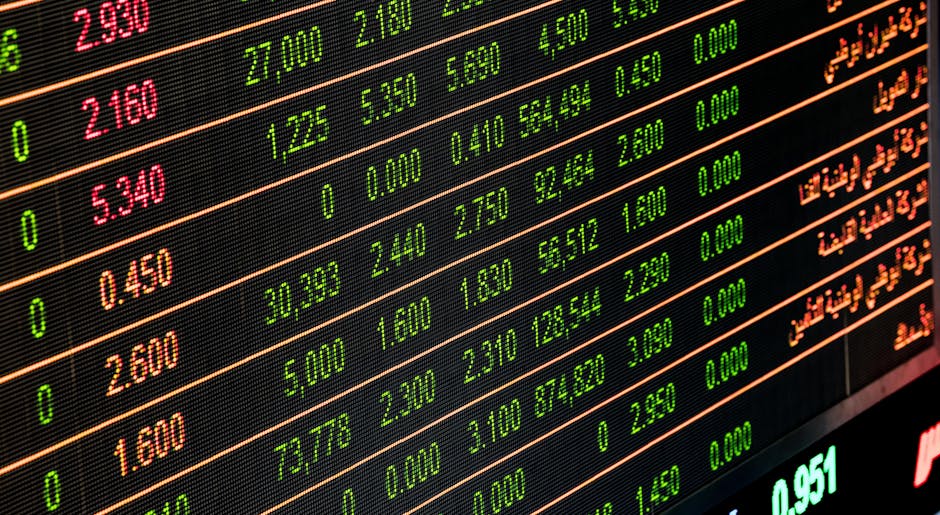
When it comes to stock market websites, dark mode can be particularly useful for traders and investors who spend long hours analyzing charts and data. By applying a dark filter to these websites, you can reduce eye strain and focus more intently on the information in front of you. For example, let’s say you’re using a website like Yahoo Finance to track stock prices and trends.
With Dark Reader enabled, you can apply a dark filter to the website’s CSS, effectively turning the background from white to black. This can make it easier to focus on the data and charts, even during late-night trading sessions. It’s worth noting that some websites may not display correctly with dark mode enabled, particularly those that rely heavily on CSS for their layout and design.

The Trade-Offs of Using Dark Mode
While dark mode has many benefits, there are also some potential trade-offs to consider. One of the main drawbacks is that dark mode can make it harder to read certain types of text, particularly if the font color is not sufficiently high contrast.
Additionally, some websites may not display correctly with dark mode enabled, which can limit its effectiveness. In practical terms, this means that you may need to adjust your font size or color scheme to compensate for the reduced contrast. For example, you may need to increase the font size or use a font with higher contrast to make text more readable in dark mode.
Limitations and Drawbacks of Dark Mode
While dark mode is a useful feature, there are also some limitations and drawbacks to consider. One of the main limitations is that it can be unpredictable, particularly when used on websites that rely heavily on CSS for their layout and design. This can result in inconsistent display and formatting issues.
Another limitation is that dark mode may not work as intended on all devices or browsers. For example, some mobile devices may not support dark mode, or certain browsers may have compatibility issues with the extensions used to enable it. It’s essential to test dark mode thoroughly before relying on it for extended periods.
Conclusion
In conclusion, turning on dark mode on every website even if they don’t support it is a simple process that requires just a few browser extensions and tweaks. By using extensions like Dark Reader or Stylish, you can apply a filter to the website’s CSS, effectively overriding their default light theme with a dark one.
This can be especially useful for stock market websites, where prolonged screen time can be a significant issue. By understanding the science behind dark mode and its benefits, as well as its limitations and trade-offs, you can make informed decisions about when and how to use this feature. Whether you’re a trader or investor, or simply someone who spends long hours browsing the web, dark mode is a useful tool that can enhance your overall browsing experience.