
Yes, you can run Stable Diffusion locally for completely free using open-source software and a modest GPU investment. The entire software stack—including the image generation model and the interface to run it—costs nothing. All you need is a graphics card with at least 6 GB of VRAM, which you can purchase for under $300, and you’ll be generating high-quality images on your own hardware with no subscription fees, no monthly limits, and no data sent to external servers.
This matters if you’re running a business that creates marketing images, product photography, or design content, because cloud-based AI image tools charge per generation, while a one-time hardware investment pays for itself quickly. Running Stable Diffusion locally has become dramatically simpler in 2026 compared to prior years. Modern installation tools like Forge and Fooocus bundle everything you need into a single one-click installer, eliminating the complexity that once made this a developer-only activity. This article covers the hardware you’ll need, the software options available, how to set everything up correctly, common pitfalls that trap new users, and what generation speeds you should actually expect from different GPU configurations.
Table of Contents
- What GPU Do You Need to Run Stable Diffusion Locally?
- Python and Software Requirements—The Version Trap
- Which Installation Frontend Should You Choose?
- Getting Models and Running Your First Generation
- Why Installations Fail and How to Fix Them
- Total Cost of Ownership and When It Makes Financial Sense
- What Generation Speeds Mean for Practical Work
- Conclusion
What GPU Do You Need to Run Stable Diffusion Locally?
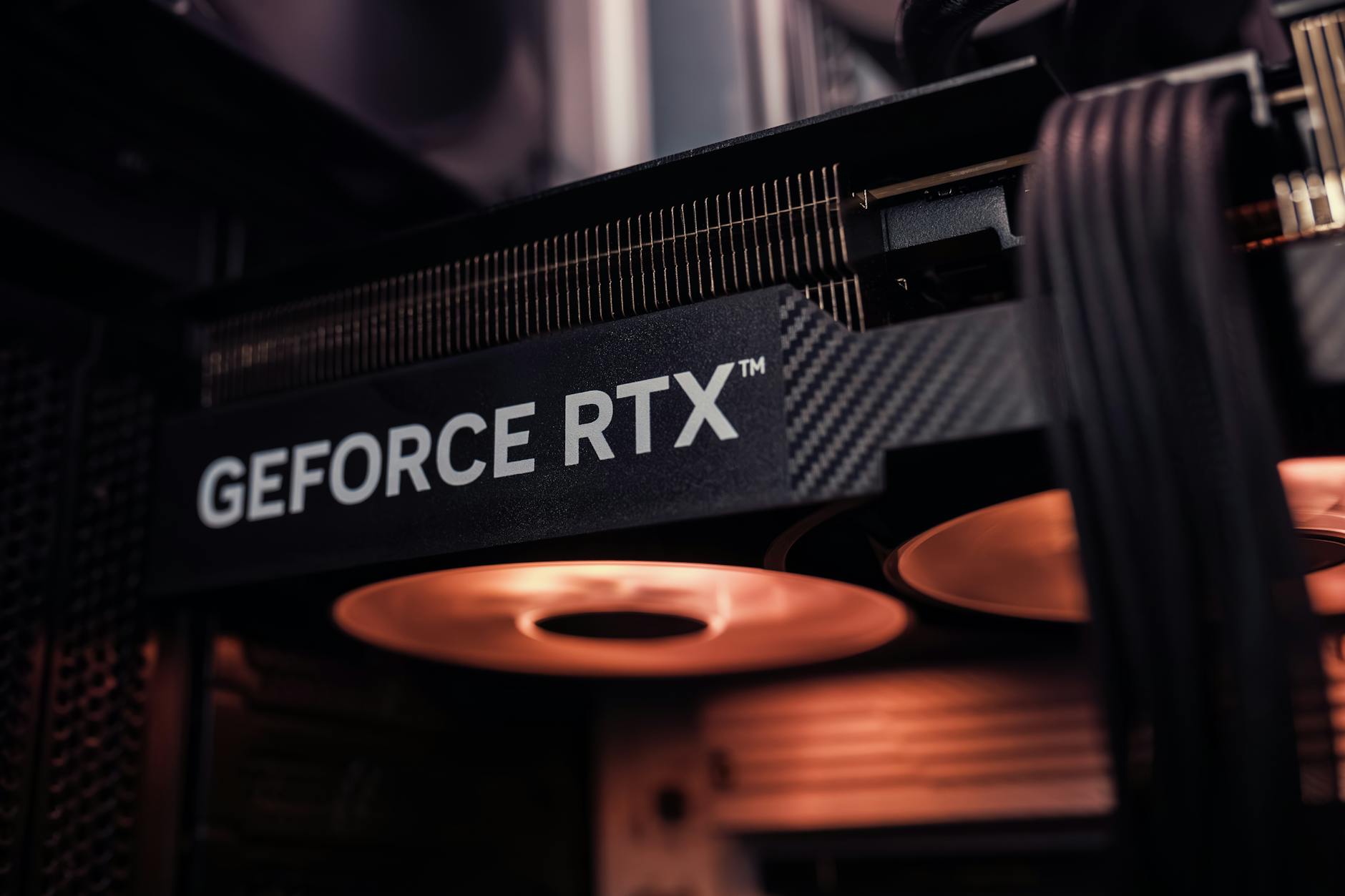
The absolute minimum is a graphics card with 6 GB of VRAM, which comfortably handles Stable Diffusion XL—the current standard-quality model as of 2026. If you’re working with older SD 1.5 models, you can get away with 4 GB of VRAM using specific optimizations, though the experience is tighter. NVIDIA GPUs are strongly preferred because Stable Diffusion was built around NVIDIA’s CUDA architecture, and AMD or Intel GPUs require workarounds that slow everything down.
The recommended sweet-spot cards are the RTX 3060 or RTX 4060, both with 8-12 GB VRAM, which generate a full-resolution 1024 × 1024 pixel image in 3-8 seconds depending on model complexity. These cards cost under $300 on the used market, making the hardware investment minimal compared to what you’d spend on a year’s worth of cloud-based API credits. For 2026, NVIDIA’s RTX 40 series GPUs with upgraded Tensor Cores are the recommended choice if you’re buying new hardware, as they offer better performance-per-dollar on newer diffusion models and offer future compatibility with experimental features. However, a used RTX 3060 or 4060 is a perfectly valid entry point—the speed difference between generations is less dramatic than the jump from no local setup to having any local setup at all.
Python and Software Requirements—The Version Trap
This is critical and frequently overlooked: you must use Python 3.10.6 specifically. Do not use Python 3.11, 3.12, or any newer version. This is the single largest source of installation failures in 2026. The reason is that some core dependencies used by Stable Diffusion and the popular installation tools haven’t been updated to work with newer Python versions, and you’ll encounter cryptic errors during setup if you skip this requirement. You can have multiple Python versions installed on your machine—just make sure the installer uses 3.10.6.
All the other software you need is completely free and open-source. You’re not paying for a license, not hit with surprise API costs, and not locked into a vendor’s pricing model. Once installed, everything runs 100% offline. Your images are generated on your hardware, they never leave your computer, and there are no per-image generation limits. This is fundamentally different from cloud services like Midjourney or DALL-E, where each image costs money and your prompts are sent to external servers.
Which Installation Frontend Should You Choose?
Three main interfaces compete for popularity in the local Stable Diffusion space, and the best choice depends on your technical comfort level. Forge and Fooocus are the easiest options in 2026, both offering one-click installers that handle all the Python setup, dependency installation, and GPU optimization automatically. If you’ve never done this before, start with one of these. They both support cutting-edge models like SDXL and Flux without requiring you to understand what’s happening under the hood. AUTOMATIC1111 (commonly called A1111) uses a traditional web form interface and remains easier for beginners than ComfyUI, though it requires slightly more manual setup than Forge or Fooocus. The web interface is straightforward—you type a prompt, adjust some sliders, and click generate.
The tradeoff is that A1111 is less flexible for advanced workflows; if you want to chain multiple models together or do complex image manipulation pipelines, you’ll quickly hit its limitations. ComfyUI takes a completely different approach: instead of forms, you build a visual workflow by connecting nodes (like Blender’s shader graph or Nuke’s compositing). This gives you maximum control over the generation process and lets you do things that are impossible in the other tools. However, the learning curve is steep. You’ll spend your first few hours just figuring out how to load a model and run basic generation. Choose ComfyUI only if you’re planning to do advanced work or if you have experience with node-based tools.
Getting Models and Running Your First Generation
Once your software is installed, you need to download models—the actual neural networks that generate images. The two main model repositories are Hugging Face and CivitAI, both free. Hugging Face is the official repository where Stability AI publishes official Stable Diffusion models. CivitAI hosts community-created models, often fine-tuned for specific aesthetics (photorealism, anime, 3D rendered style, etc.). For a newcomer, start with an official Stable Diffusion SDXL model from Hugging Face, then explore CivitAI if you want to experiment with specialized styles.
Your first generation will teach you the practical speed expectations. On an RTX 3060 or 4060 with SDXL, a 1024 × 1024 image with 30 steps of inference takes roughly 3-8 seconds. A 512 × 512 image at 20 steps takes closer to 2-3 seconds. This is fast enough for iterative work—you can try different prompts and settings without waiting minutes per image like you would on older hardware or cloud APIs. If you’re using an older GPU or optimizing for speed, you can switch to SD 1.5 models, which generate 50% faster but produce lower visual quality.
Why Installations Fail and How to Fix Them
The most common failure point is Python version mismatch. You installed Python 3.12 system-wide, and the one-click installer didn’t detect it, so it used whatever Python it found in your PATH. The fix: uninstall Python 3.12, install Python 3.10.6, and run the installer again. Check which Python version you’re using by opening a terminal and running `python –version`.
The second common issue is VRAM running out during generation. This happens if you’re using a model too large for your GPU (like trying SDXL on a 4 GB card) or if other programs are hogging GPU memory. In Forge or Fooocus, look for memory optimization settings—they’ll trade speed for memory usage, letting you fit larger models on smaller cards. A1111 calls this “memory optimization” or “attention optimization.” The performance penalty is significant (generation might take 15-30 seconds instead of 5 seconds), but it works.

Total Cost of Ownership and When It Makes Financial Sense
The financial picture strongly favors local setup if you’re generating more than a handful of images monthly. A cloud service like Midjourney costs roughly $10-20 per month for a basic subscription or $0.10-0.20 per image on pay-as-you-go plans. A used RTX 3060 costs roughly $200-250, and even accounting for your electricity cost to run it (roughly $0.03-0.05 per 1000 generated images), you break even on a Midjourney subscription after just a few hundred images.
For businesses generating thousands of images annually for marketing or content, the savings are dramatic—easily 70-80% lower cost than cloud APIs. The hardware remains useful for other GPU-accelerated tasks beyond image generation: video editing, 3D rendering, machine learning work, or cryptocurrency mining if that interests you. The GPU is not a single-purpose purchase. This makes the investment case even stronger for someone who runs a business involving visual content creation.
What Generation Speeds Mean for Practical Work
Understanding real-world generation speeds helps you decide if local generation fits your workflow. If you need to generate 100 product images for an e-commerce site, an RTX 4060 generating 8 images per minute means 12-13 minutes of compute time. Factor in time to write good prompts and iterate on results, and you’re looking at 2-3 hours of work total—still far faster and cheaper than hiring a photographer or paying cloud API costs.
The speed difference between hardware tiers matters most if you’re doing research or rapid iteration. An RTX 3060 is 15-20% slower than an RTX 4060, so the same job takes 14-16 minutes instead of 12-13 minutes. For most production workflows, this difference doesn’t justify the cost premium of buying new hardware. The calculus changes if you’re running a high-volume generation service where every minute of compute time multiplies across thousands of requests.
Conclusion
Running Stable Diffusion locally for free is now practical for anyone with a modest GPU and 30 minutes to run an installer. The software is open-source and costs nothing, the hardware investment is under $300, and the monthly operating cost is essentially free (just electricity). For businesses or individuals creating substantial amounts of visual content, this setup pays for itself within weeks compared to cloud APIs.
Python 3.10.6 and one-click installers like Forge eliminate the technical barriers that once made this activity difficult. Your next step is to decide which interface fits your skill level—Forge or Fooocus for simplicity, A1111 for web-form ease, or ComfyUI for maximum control. Buy a used RTX 3060 or 4060 if you don’t already have a compatible GPU, install your chosen tool, download an SDXL model from Hugging Face, and generate your first image. You’ll understand the practical speed and quality trade-offs immediately, and you can refine your setup from there.